
Last Updated: September 2, 2026
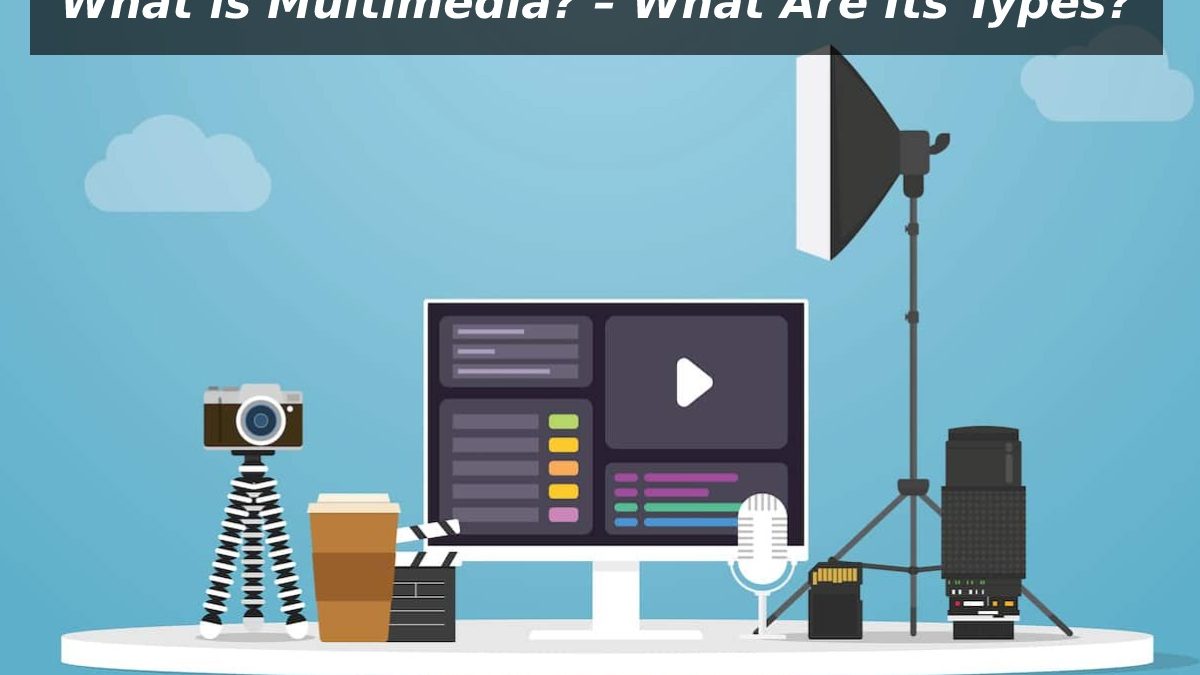
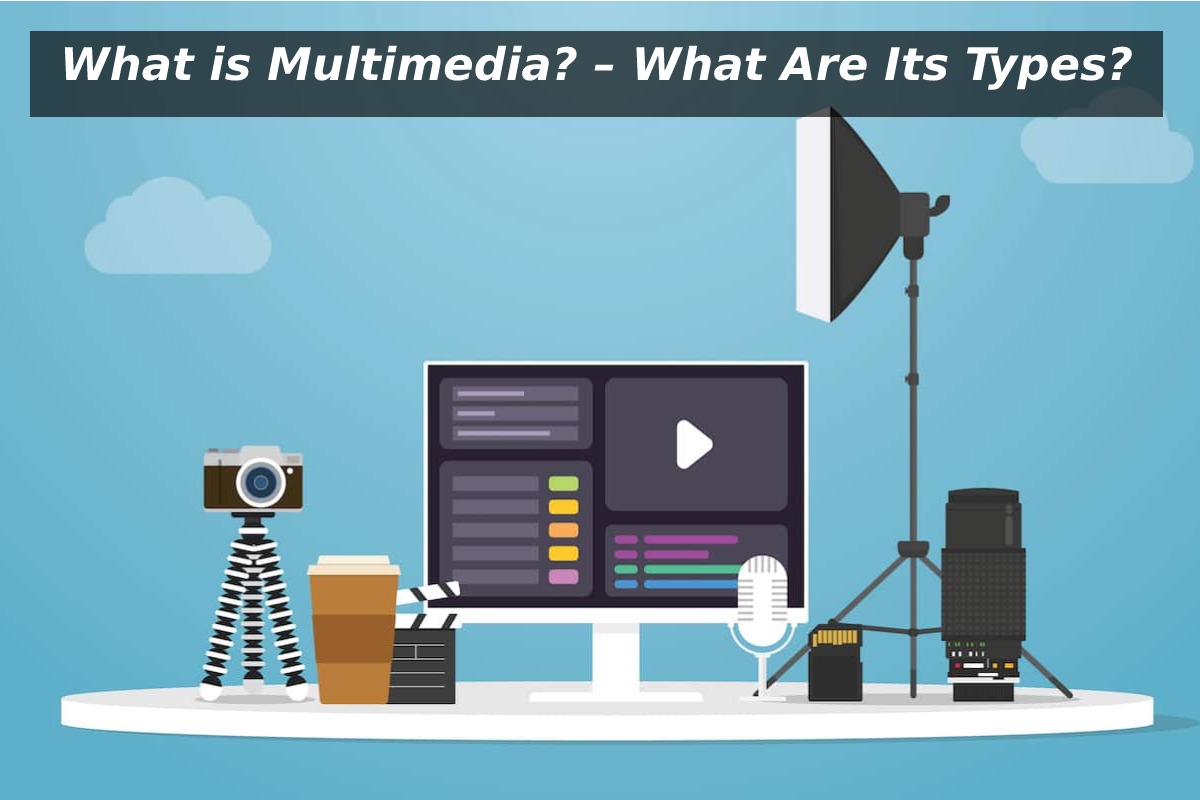
Multimedia is the integrated use of text, visuals, sound, motion, and interactivity to create more effective communication experiences. It functions as a multi-sensory communication system that shapes how we learn, market, design, and interact in the digital world.
The general perception of multimedia among most individuals is that it is about videos or PowerPoint slides with pictures. That misconception conceals the extent to which the modern world is built on the multimedia basis, in the form of online courses and mobile applications, digital news, video games, and AI-based assistants. Assuming it is merely a bunch of media files, you do not get its true purpose it is a system of conveying complicated concepts using more than one of your human senses at a time.
Multimedia is defined as the amalgamation of various forms of content text, images, audio, video, animation, and interactive aspects to provide information as one unitary experience. The Merriam-Webster definition of multimedia similarly describes it as combining several media to express ideas.
This reference introduces multimedia in a manner both beginners can understand at once and students, creators, and professionals have a more detailed framework they can in fact apply.
This article belongs to Blogging Tools
Table of Contents
What Is Multimedia? Clear Definitions
Simple Definition (Exam-Ready)
Multimedia is the use of two or more types of media—such as text, images, audio, video, or animation—to present information.
Expanded Professional Definition
Multimedia is an integrated communication architecture that coordinates multiple sensory channels to improve clarity, engagement, memory retention, and user interaction in digital environments.
In other words: multimedia is designed, not accidental. Each element supports the others to deliver meaning more efficiently than any single medium could alone.
The Core Elements of Multimedia
Modern multimedia systems typically combine five foundational components.
Text — Structure, Precision, and Navigation
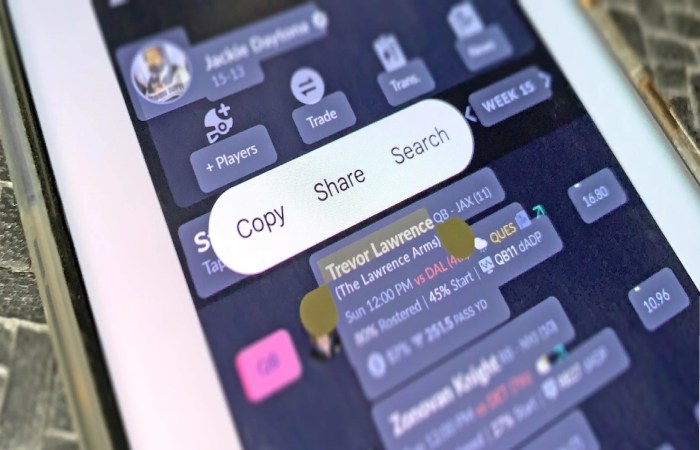
Text anchors the experience. It labels menus, explains concepts, provides instructions, and ensures accessibility for users who cannot rely on audio or visuals.
Typical roles of text:
- Titles and headings
- Captions and subtitles
- Instructions and labels
- Detailed explanations
Even highly visual platforms depend on text for clarity and searchability.
Images & Graphics — Instant Meaning
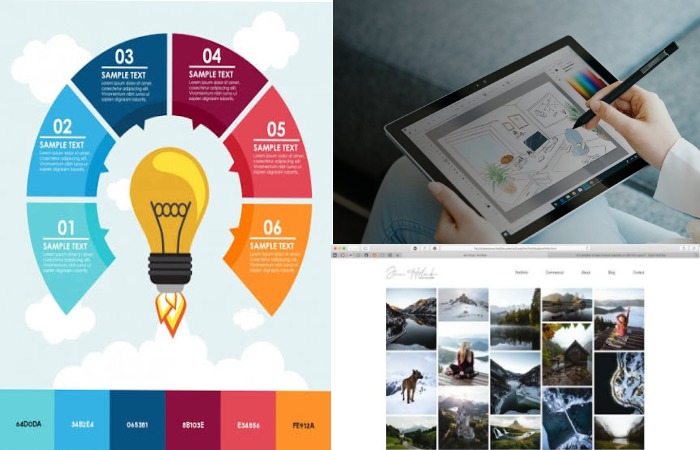
Visual elements communicate faster than words. A diagram can replace paragraphs of explanation.
Common forms include:
- Photographs
- Illustrations
- Charts and infographics
- Icons and symbols
Design researchers, including those summarized in reports by organizations like the Nielsen Norman Group, consistently show that visuals reduce cognitive effort when used appropriately.
Audio — Emotion, Tone, and Guidance

Audio adds a human dimension. It conveys emphasis, mood, and nuance that text alone cannot capture.
Examples:
- Narration in online courses
- Music in films and games
- Voice assistants
- Sound effects for feedback
Audio is especially valuable for mobile users and accessibility.
Video — Integrated Motion Storytelling
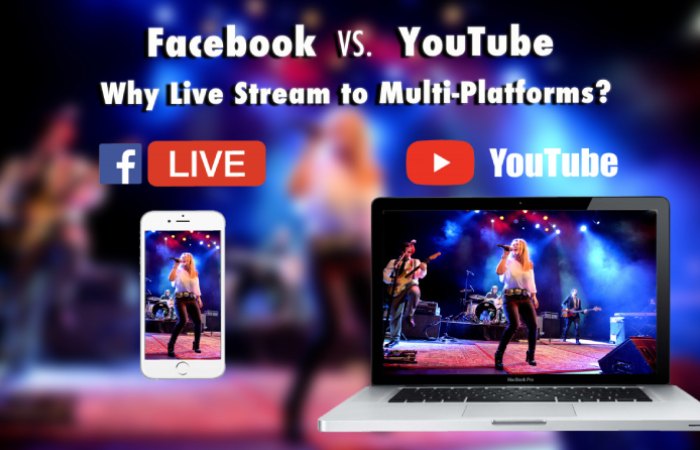
Video combines visuals, motion, and sound into a cohesive narrative. It closely mirrors real-world perception, which is why it dominates digital communication.
Uses include:
- Tutorials and demonstrations
- Advertising
- News reporting
- Corporate training
Organizations such as UNESCO emphasize video’s effectiveness in distance learning because it simulates face-to-face instruction.
Animation & Interactivity — Participation, Not Just Viewing
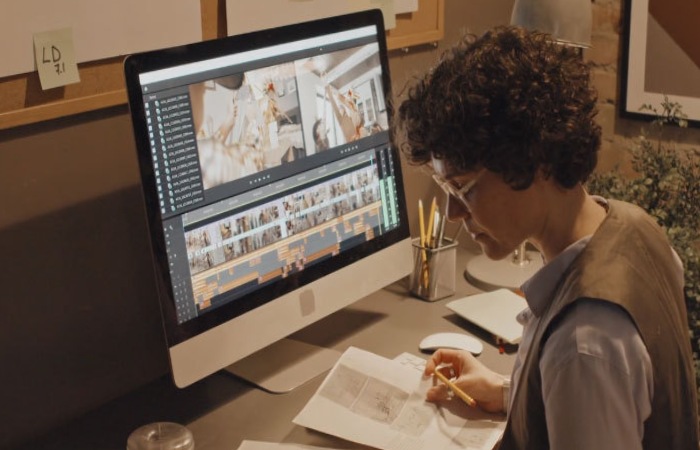
This element transforms multimedia from passive consumption into active experience.
Examples:
- Interactive maps
- Simulations
- Educational games
- Touch-based mobile interfaces
- Virtual labs
Interactivity is where multimedia becomes experience design rather than presentation.
Summary Table — Multimedia Elements and Roles
| Element | Primary Function | Typical Examples |
| Text | Explanation & navigation | Articles, captions, menus |
| Images/Graphics | Visual communication | Photos, charts, icons |
| Audio | Tone & emotion | Narration, music |
| Video | Demonstration & storytelling | Tutorials, ads |
| Animation/Interactivity | Engagement & control | Games, simulations |
Types of Multimedia
| Type | User Control | Key Characteristics | Example |
| Linear | None | Fixed sequence | Movie, recorded lecture |
| Non-Linear | Moderate | User navigates freely | Website |
| Interactive | High | Responds to actions | Video game |
| Immersive | Very High | Simulated environment | VR training |
Trend: Multimedia is evolving from passive viewing to interactive participation.
Multimedia vs Media vs Hypermedia vs Immersive Media
| Category | Number of Formats | User Control | Connectivity | Example |
| Media | Single | Low | None | Printed book |
| Multimedia | Multiple combined | Moderate | Limited | Online course |
| Hypermedia | Multiple + linked | High | Extensive | World Wide Web |
| Immersive Media | Multiple + simulated | Very High | Real-time | VR experience |
Why Multimedia Works Cognitive Advantage
Multimedia aligns with how humans naturally process information—through visual and auditory channels simultaneously.
Illustrative Learning Comparison
| Format | Strength | Limitation |
| Text Only | Detailed | Hard to visualize |
| Text + Diagram | Clear structure | Still static |
| Animation + Narration | Shows process dynamically | Requires technology |
Well-designed multimedia reduces mental effort and improves understanding. Poor design, however, can overwhelm users.
Real-World Applications of Multimedia
Sector-Based Uses
| Sector | How Multimedia Is Used | Example |
| Education | Interactive learning | Online courses |
| Business | Product communication | Demo videos |
| Marketing | Persuasion & engagement | Social ads |
| Entertainment | Immersive experiences | Games, streaming |
| Journalism | Storytelling | Multimedia reports |
Organizations like UNESCO highlight multimedia’s role in expanding global access to education.
Everyday Examples You Use Daily
| Activity | Multimedia Components |
| Social Media | Image + text + video + interaction |
| Navigation Apps | Map + audio guidance + data |
| Video Calls | Audio + video + chat |
| Online Shopping | Photos + videos + reviews |
Your smartphone interface itself is a multimedia environment.
For example, streaming entertainment on smart TVs combines video, audio, menus, and interactive controls into one multimedia experience. Connecting services such as Fubo TV on LG TV is one practical example of how multimedia content is delivered through modern connected devices.
Multimedia as Experience Design Advanced View
Modern digital products use multimedia strategically to guide user behavior and decisions.
Key design considerations:
| Factor | Why It Matters |
| Attention | Prevents overload |
| Emotion | Builds connection |
| Accessibility | Ensures usability for all users |
| Interaction | Encourages engagement |
| Device Compatibility | Works across platforms |
This perspective connects multimedia with UX (User Experience) design and AI-driven interfaces.
The Future of Multimedia
| Emerging Technology | Impact on Multimedia |
| AI-Generated Content | Automated creation of multimodal media |
| Augmented Reality (AR) | Digital overlays on real world |
| Virtual Reality (VR) | Fully immersive environments |
| Spatial Computing | Interaction in 3D space |
| Adaptive Systems | Personalized experiences |
Multimedia is moving from screens to immersive environments.
Who This Article Is For — And Who It Is Not
Ideal For
- Students and exam preparation
- Beginners learning computer fundamentals
- Educators and trainers
- Content creators and marketers
- Professionals seeking conceptual clarity
Not Intended For
- Advanced multimedia programming
- Film production techniques
- Specialized graphics engineering
Final Summary
Multimedia is not merely a combination of media forms. It is a highly strategized platform that incorporates text, graphics, audio, movement and interaction to convey better information than any medium of use on its own.
Multimedia is used to create, share and comprehend information in modern society in education, business, entertainment and most of the apps that people use daily. In the future as technology progresses to the use of AI and immersive experiences, multimedia literacy is an important digital skill.
