
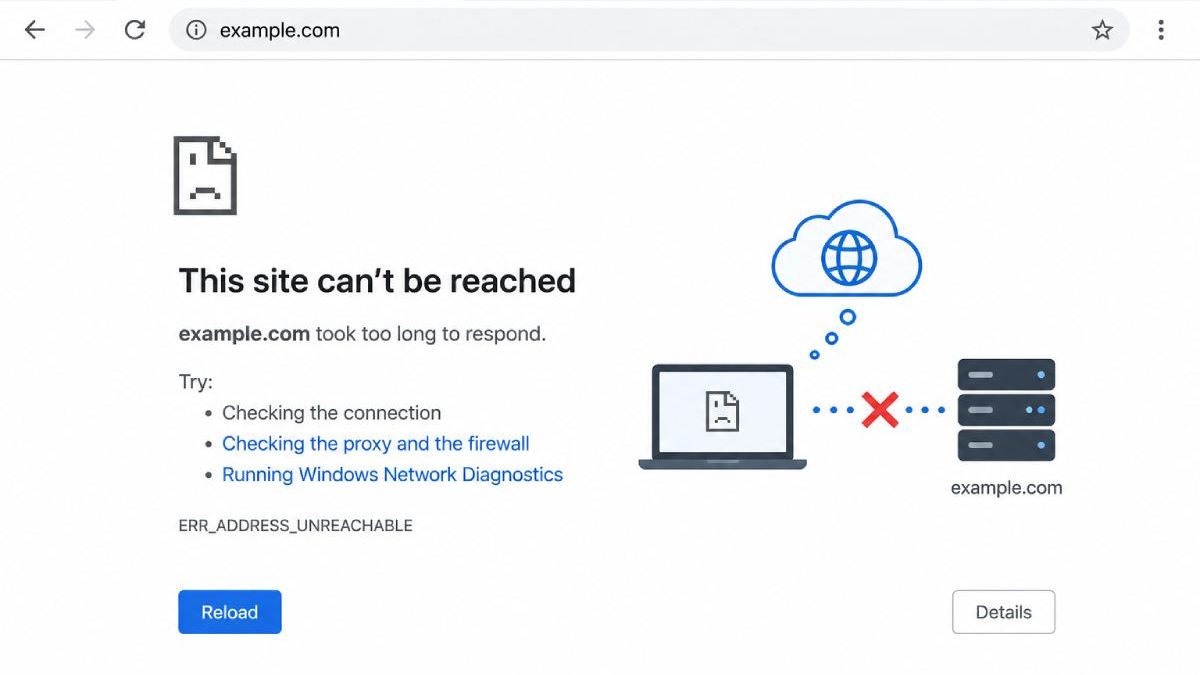
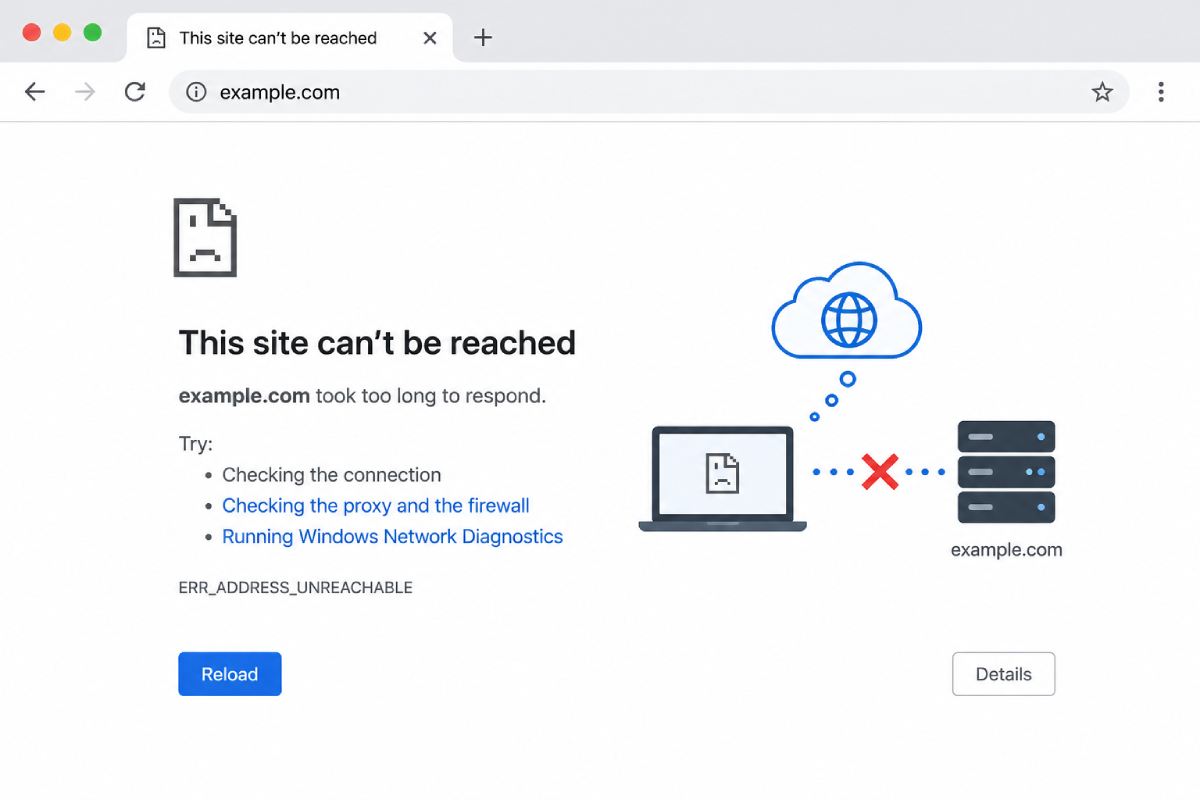
ERRADDRESSUNREACHABLE-This is perhaps the most frequent browser error internet users face in India, be it on mobile (using mobile data) or broadband (Jio Fiber, Airtel Xstream) or even while browsing on office networks. Have you encountered this error with your browser? “This site can’t be reached – ERRADDRESSUNREACHABLE”. Well all it is that your system just could not find a path to the websites server.
In this tutorial, you are going to know what this error code actually means, the reason behind and the solutions for the Indian users.
Table of Contents
What is ERR_ADDRESS_UNREACHABLE?
The ‘site unreachable’ error is just a way to say, that, there is no such address, either because such web page doesn’t exist or for the moment you can’t get through to your browser to access such web page because there is some trouble. We will look at a number of possible reasons for the error.
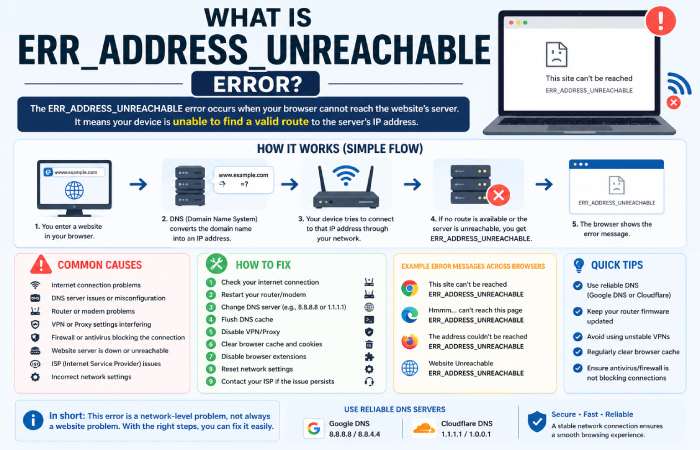
Key Explanation
- Your browser tries to access a website
- DNS converts domain → IP
- Network attempts to connect
- If no route exists → error appears
How This Error Appears
| Platform | Error Message Example |
|---|---|
| Chrome (Windows/Android) | This site can’t be reached – ERR_ADDRESS_UNREACHABLE |
| Mobile Browser | Website unreachable |
| Edge/Brave | Address unreachable |
| Developer Console | Failed to establish connection |
Why ERR_ADDRESS_UNREACHABLE Happens in India
India has a varied internet landscape from rural 4G networks to fast-paced fiber which means that there’s a higher probability for network related errors.
Common Causes
1. Network Connectivity Issues
Bad/unstable connection is the number one issue.
- Weak Wi-Fi signal
- Mobile data fluctuations
- ISP downtime
If your network cannot route traffic properly, the error appears.
2. DNS Configuration Problems
DNS translates your domain name into an IP address and without DNS, your device won’t know where to send traffic.
- Corrupt DNS cache
- ISP DNS failure
- Slow DNS servers
3. Router or Modem Issues
Indian ISPs often use shared routing infrastructure.
- Router misconfiguration
- Overloaded cache
- Firmware issues
4. Proxy or VPN Conflicts
Many Indian users use VPNs for streaming or privacy.
- VPN blocking routes
- Proxy misconfiguration
- Geo-blocking by websites
5. Server-Side Problems
Sometimes the issue is not on your side.
- Website server down
- Regional restrictions (India blocked access)
- Firewall blocking IP
6. Browser or Extension Issues
- Corrupted cache
- Ad-blockers
- Security extensions
Causes vs Symptoms Table
| Cause | Symptoms | Affected Users |
|---|---|---|
| Weak Internet | All websites fail | Mobile users |
| DNS Error | Specific sites fail | ISP users |
| Router Issue | Random websites fail | Home Wi-Fi |
| VPN Issue | Only certain sites blocked | VPN users |
| Server Down | One website fails globally | Everyone |
| Browser Issue | Works in other browser | PC users |
How to Fix ERR_ADDRESS_UNREACHABLE (Step-by-Step)
1. Check Internet Connection
Start simple:
- Turn Wi-Fi OFF/ON
- Switch between Wi-Fi and mobile data
- Restart device
2. Restart Router (Important in India)
Many Indian ISPs cache DNS heavily.
Steps:
- Turn off router
- Wait 2–3 minutes
- Turn it on
This alone fixes many cases.
3. Change DNS Server
Use faster public DNS:
| DNS Provider | Primary | Secondary |
|---|---|---|
| Google DNS | 8.8.8.8 | 8.8.4.4 |
| Cloudflare | 1.1.1.1 | 1.0.0.1 |
| OpenDNS | 208.67.222.222 | 208.67.220.220 |
4. Flush DNS Cache
Windows:
ipconfig /flushdns
Mac:
sudo dscacheutil -flushcache
This removes outdated DNS entries.
5. Disable Proxy/VPN
- Turn off VPN apps
- Check proxy settings
- Try accessing site again
6. Reset Network Settings
Windows Command:
netsh int ip reset
netsh winsock reset
7. Clear Browser Cache
- Open Chrome settings
- Clear browsing data
- Restart browser
8. Disable Extensions
Try Incognito mode. If it works, an extension is causing the issue.
9. Try Another Browser or Device
- Works on phone but not laptop → device issue
- Works on other browser → browser issue
10. Contact ISP (India-Specific Step)
If nothing works:
- Jio Fiber
- Airtel Xstream
- BSNL
Ask about:
- DNS issues
- Routing problems
- IP blocks
Fix Methods Comparison
| Fix Method | Difficulty | Success Rate | Best For |
|---|---|---|---|
| Restart Router | Easy | High | Home users |
| Change DNS | Easy | Very High | DNS issues |
| Flush DNS | Medium | High | Cache problems |
| Disable VPN | Easy | Medium | VPN users |
| Reset Network | Medium | High | System errors |
| Contact ISP | Hard | Depends | ISP issues |
ERR_ADDRESS_UNREACHABLE vs Similar Errors
| Error | Meaning | Key Difference |
|---|---|---|
| ERR_ADDRESS_UNREACHABLE | No route to server | Network-level failure |
| ERR_CONNECTION_REFUSED | Server rejected request | Server reachable |
| DNS_PROBE_FINISHED_NXDOMAIN | Domain not found | DNS issue |
| ERR_TIMED_OUT | Slow response | Server delay |
India-Specific Scenarios
1. Mobile Data Users (Jio, Airtel)
- Frequent DNS switching
- IPv6-related issues
- Temporary routing failures
2. Broadband Users
- Router overheating
- ISP DNS problems
- Fiber outages
3. Office Networks
- Firewall restrictions
- Proxy misconfiguration
- Blocked domains
Prevention Tips
- Use reliable DNS (Cloudflare/Google)
- Keep router firmware updated
- Avoid unstable VPNs
- Clear cache regularly
- Use antivirus carefully (avoid blocking connections)
Quick Troubleshooting Checklist
| Step | Action |
|---|---|
| 1 | Check internet |
| 2 | Restart router |
| 3 | Change DNS |
| 4 | Disable VPN |
| 5 | Flush DNS |
| 6 | Try another browser |
| 7 | Contact ISP |
Frequently Asked Questions (FAQs)
1. Is ERR_ADDRESS_UNREACHABLE dangerous?
No. It’s a network issue, not a security threat.
2. Why does it happen only on some websites?
Because routing or DNS issues may affect specific servers.
3. Can VPN cause this error?
Yes. Misconfigured VPNs are a common cause.
4. Does this mean the website is down?
Not always. Often the issue is on your side.
5. Why is this common in India?
Due to:
- Mixed network infrastructure
- ISP-level DNS caching
- Variable internet quality
Conclusion
Essentially the ERRADDRESSUNREACHABLE error is a networking routing error, where your machine cannot reach the servers where a particular website is hosted.
In India, this problem is often linked to:
- DNS issues
- Router problems
- ISP-level restrictions
Also Read: 10 Steps to Create the Perfect Marketing Plan
